Shop at Ikea and ship anywhere to Bicol
Signup today and start using Manila address
How it works
Easy and convenient shopping and shipping
too
Simply singup for MoberX Manila address and use this for checkout and shipping
Step 1
Sign up and get your own MoberX Manila Address for FREE! No setup fees!
Step 2
Shop at Ikea.ph and ship to your MoberX Manila address upon checkout

Use your MoberX Manila Address as your delivery address
Step 3
Login to your MoberX Account and book delivery anywhere*
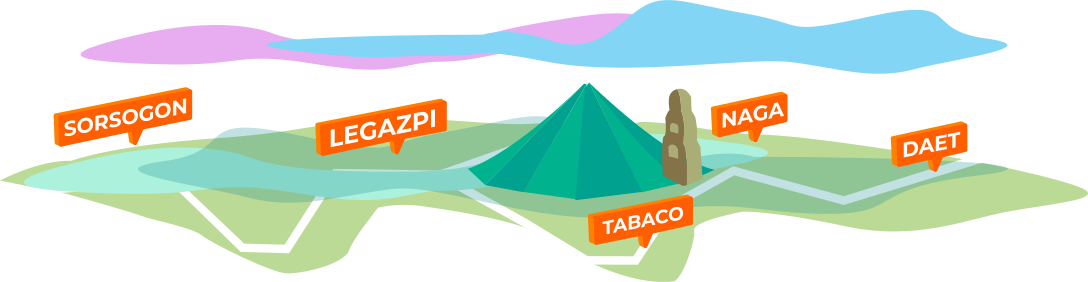
*Initially available in Bicol region More cities coming soon.
Initially serving Bicol region
Pickup packages thru Mober Hubs near you or arrange a door-to-door delivery through your MoberX account for your convenience.
Shop all that you want
Go ahead and buy that Ikea furniture or SM appliance you've always wanted.
Don't forget to use your MoberX Manila address upon checkout.
Need shopping assistant?
Worry-free shopping and shipping just got better with MoberX Pabili.
Sign up you if you need help buying various items.
Freequently Asked Questions
All you need to know about hassle-free shopping and receiving deliveries with MoberX
Step 1: Shop from Ikea.ph and send it to our MoberX address. We will
notify you once your packages have been received at the MoberX
warehouse.
Step 2 : After your package/s has arrived, we will ship it to your drop off
address. We will notify you via email once your shipment is on the way, as
well as give you your tracking number so you can track its status
Step 3: Depending on what mode of shipping you have chosen, your
shipment will be delivered to your front door or received at MoberX
collection point.
This is a physical address which you should use as your delivery address
when shopping in online stores. This is the MoberX warehouse address
where your goods will be delivered to.
We will send you an email notice once our warehouse team has received
your package from the courier and matched it to your MoberX account.
Currently, we offer two options for you to securely pay for the shipping fee:
1. PayPal
2. Credit, Debit or Prepaid Cards (Visa, Mastercard, American
Express, UnionPay and JCB)
Once MoberX received your item, our team will process shipment of the
item within 24 hours. Depending on your chosen shipment method, your
items can arrive within 3 to 5 days.
MoberX charges a base fare of Php 550 plus CBM fee or KG fee*, whichever
is higher, with a minimum load of 2 CBM or 150 kgs.
2022 Rate : 1 CBM = Php 300 1 KG = Php 10
Sample Computation : Order Item's total CBM is 2 and total weight is 50
kgs.
2 CBM x 300 = Php 600
50 KG x 10 = Php 500
Since CBM rate is higher, total fee is Php 1050 (Php 550 base fare + Php
600(CBM fee))